 shards.info
bubbles
A Crystal port of Charmbracelet's Bubbles TUI components library
Terminal UI components for building interactive command-line applications with Bubble Tea
Architecture · Development · Guidelines · Testing · PR Workflow · Porting Parity · Upgrading
Self-contained, reusable UI components that compose together to create rich terminal interfaces. A Crystal port of Charmbracelet Bubbles.
Quick Start
-
Add the dependency to your
shard.yml:dependencies: bubbles: github: dsisnero/bubbles -
Run
shards install -
Use in your Crystal + Bubble Tea application:
require "bubbles"

text_input = Bubbles::TextInput.new
text_area = Bubbles::TextArea.new
spinner = Bubbles::Spinner.new
Components
Spinner
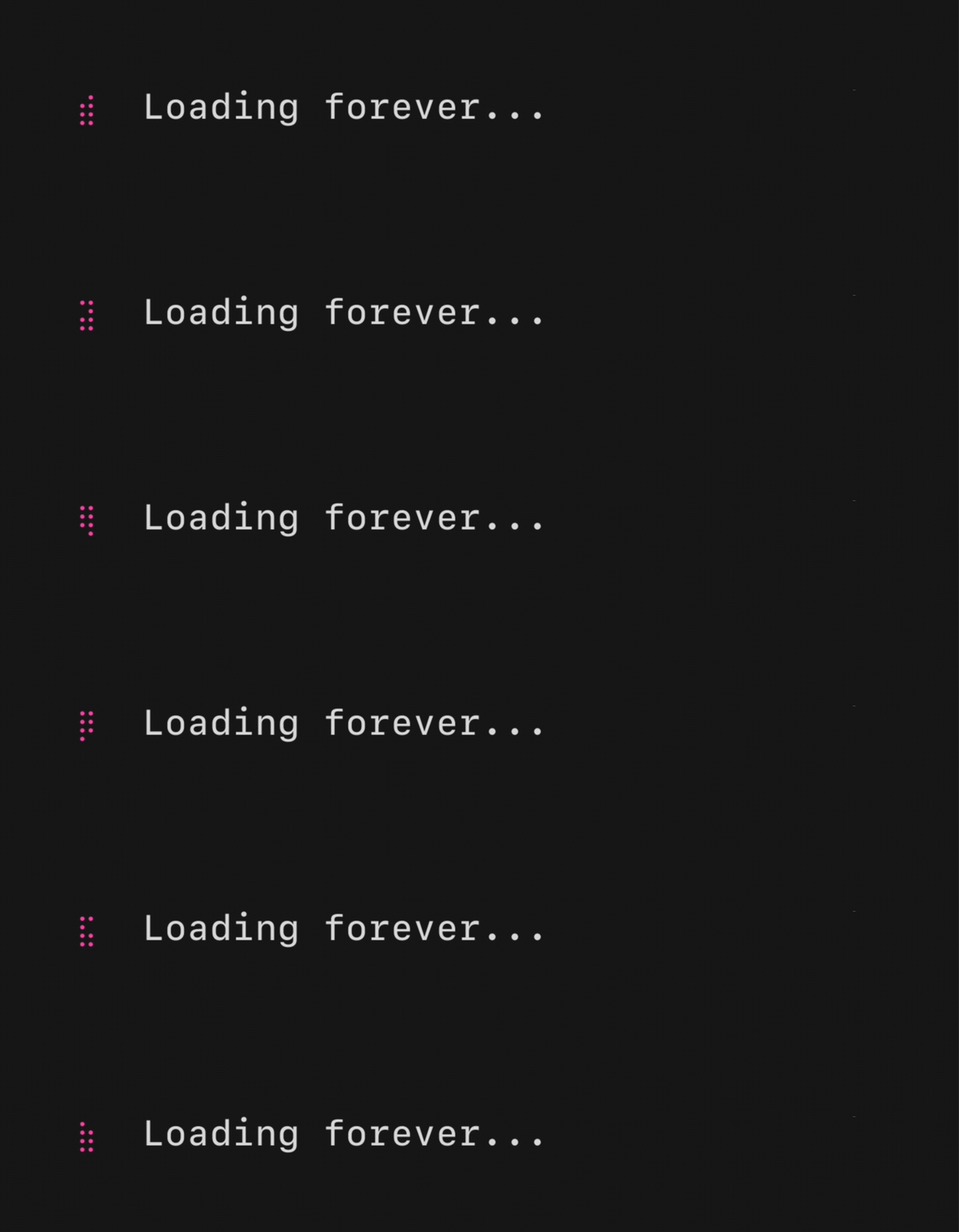
An animated spinner, useful for indicating an operation is happening. Several built-in styles are available, and you can define custom frame sequences.
s = Bubbles::Spinner.new
s.spinner = Bubbles::Spinner::Dot
Spinner types: Line, Dot, MiniDot, Jump, Pulse, Points, Globe, Moon, Monkey, Meter, Hamburger, Ellipsis
Text Input
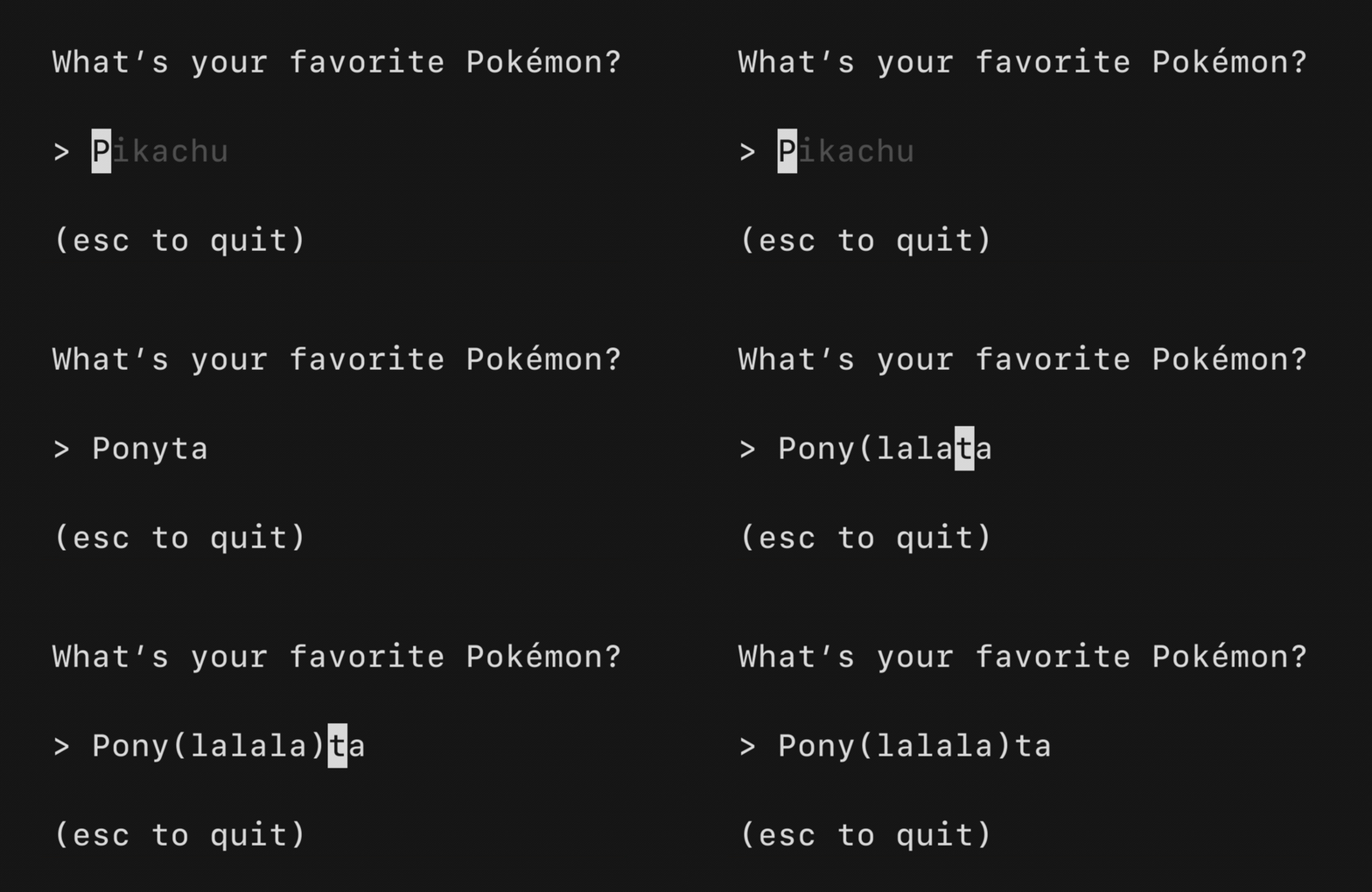
A text input field, akin to <input type="text"> in HTML. Supports unicode, pasting, in-place scrolling when the value exceeds the width, and many customization options.
ti = Bubbles::TextInput.new
ti.set_width(40)
ti.placeholder = "Enter text..."
ti.prompt = "> "
Text Area
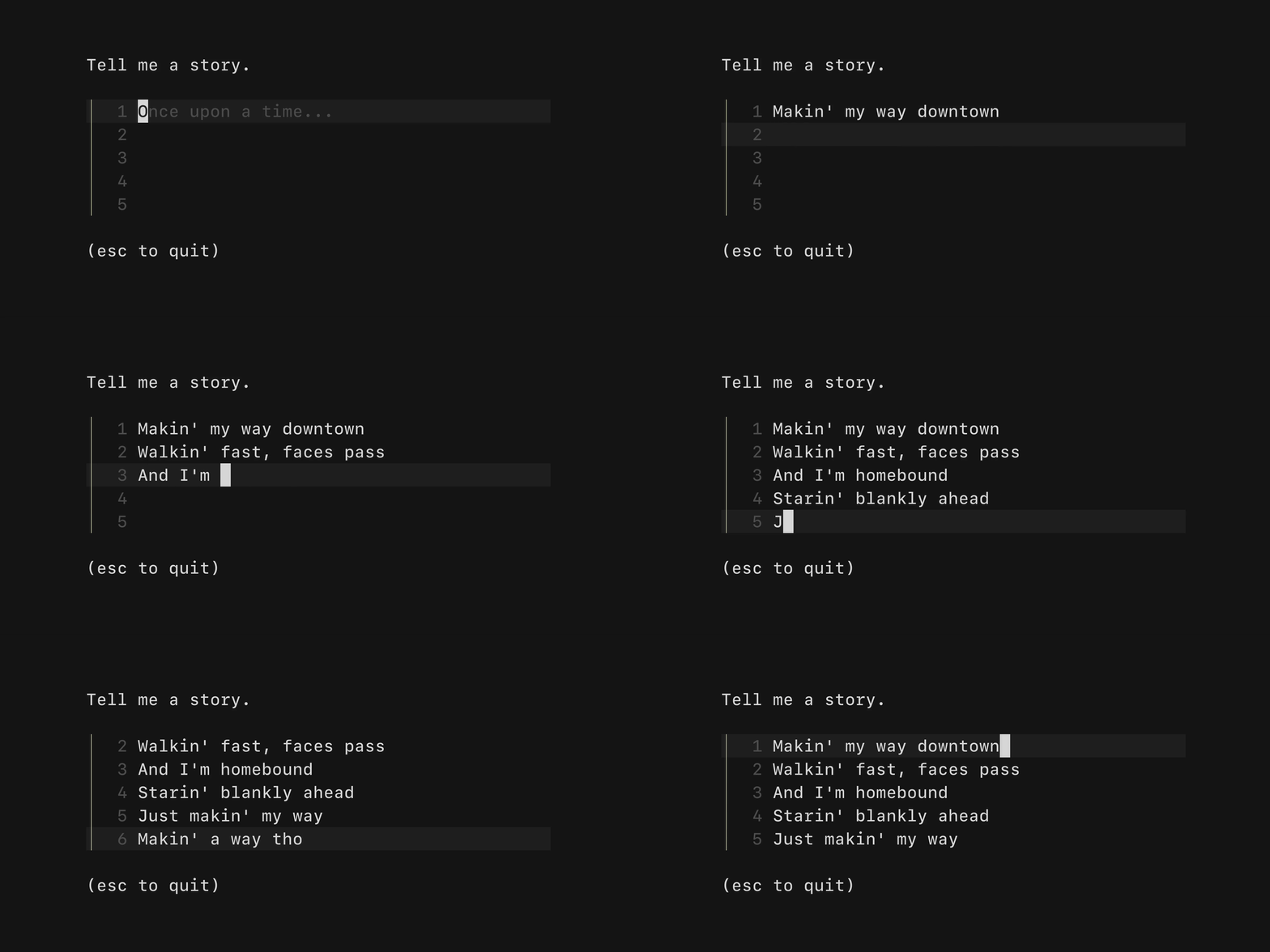
A multi-line text input area, akin to <textarea /> in HTML. Supports unicode, pasting, vertical scrolling, dynamic height, and full customization.
ta = Bubbles::TextArea.new
ta.set_width(60)
ta.set_height(10)
ta.prompt = "> "
Table
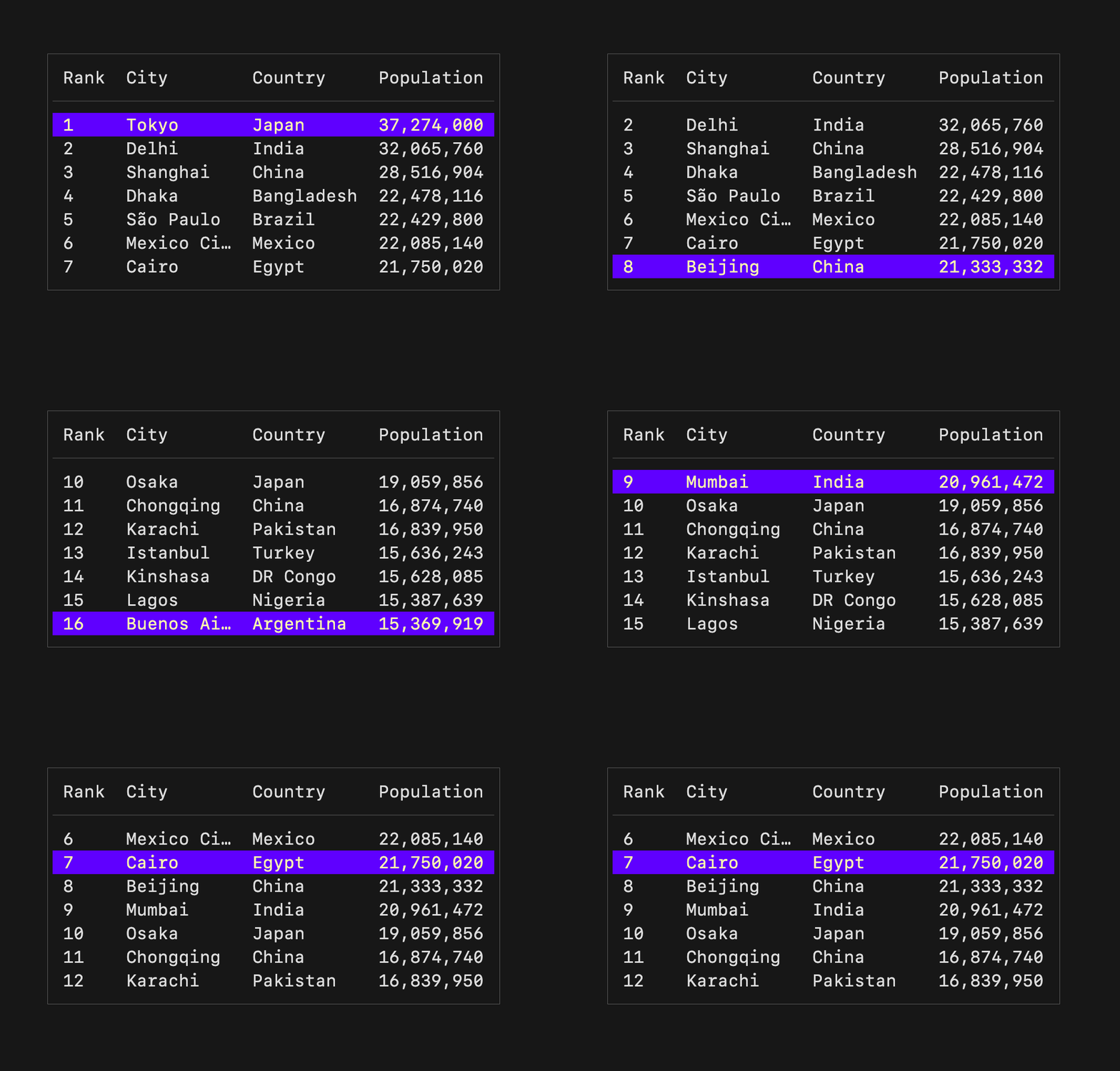
A component for displaying and navigating tabular data (columns and rows). Supports vertical scrolling, column alignment, and customizable borders/styles.
t = Bubbles::Table.new(
  Bubbles::Table.with_columns([
    Bubbles::Table::Column.new("Name", 20),
    Bubbles::Table::Column.new("Population", 15),
  ]),
  Bubbles::Table.with_rows([
    ["China", "1.4B"],
    ["India", "1.4B"],
  ]),
)
t.set_width(40)
t.set_height(10)
Progress

A simple, customizable progress meter with optional spring animation via Harmonica. Supports solid and gradient fills.
p = Bubbles::Progress.new(width: 40, full_color: Lipgloss.color("#5A56E0"))
p.view_as(0.75)
Viewport
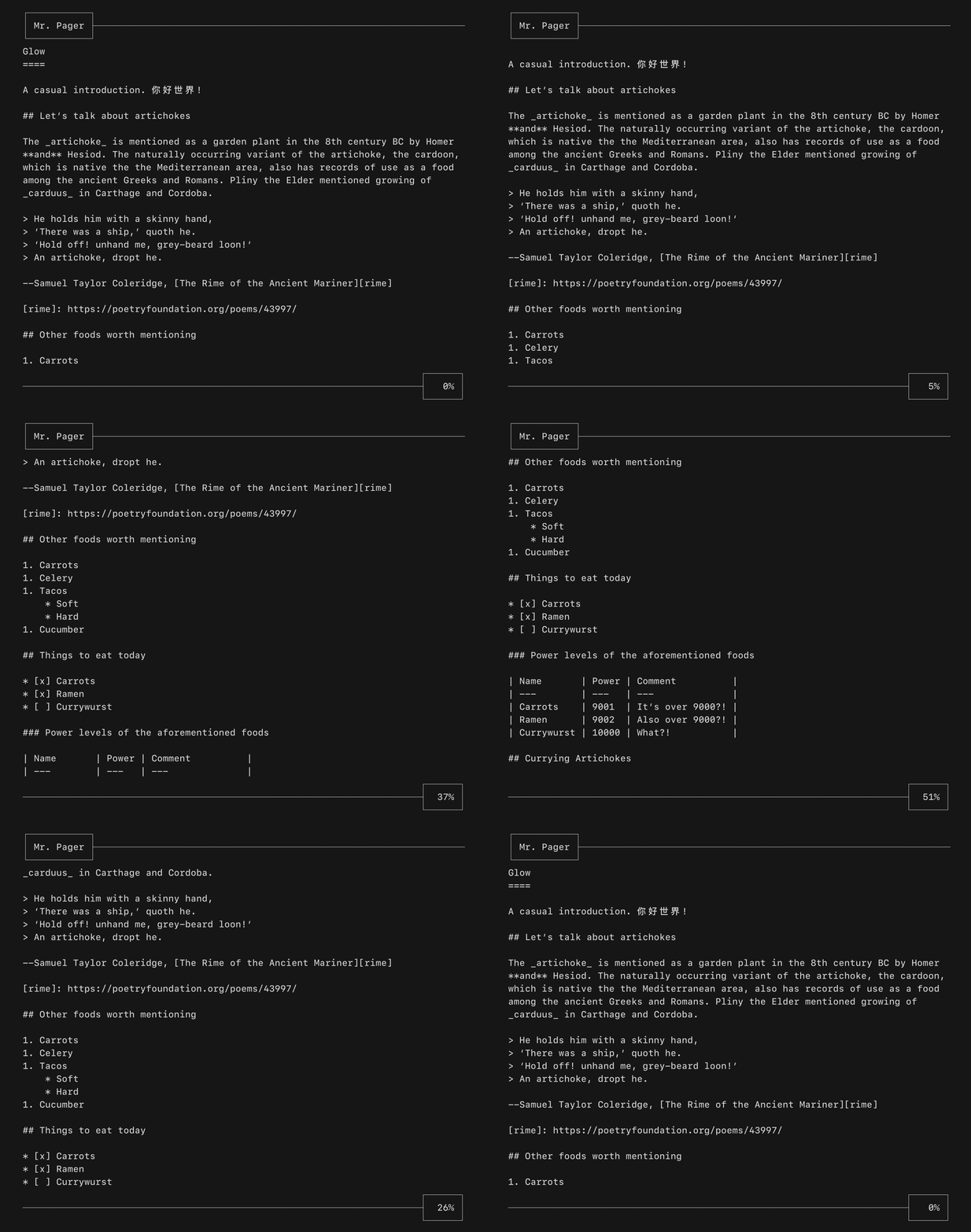
A viewport for vertically scrolling content. Includes standard pager keybindings and mouse wheel support. Soft-wrapping and gutter support included.
vp = Bubbles::Viewport.new(Bubbles::Viewport.with_width(80), Bubbles::Viewport.with_height(24))
vp.set_content("long content...")
vp.soft_wrap = true
List
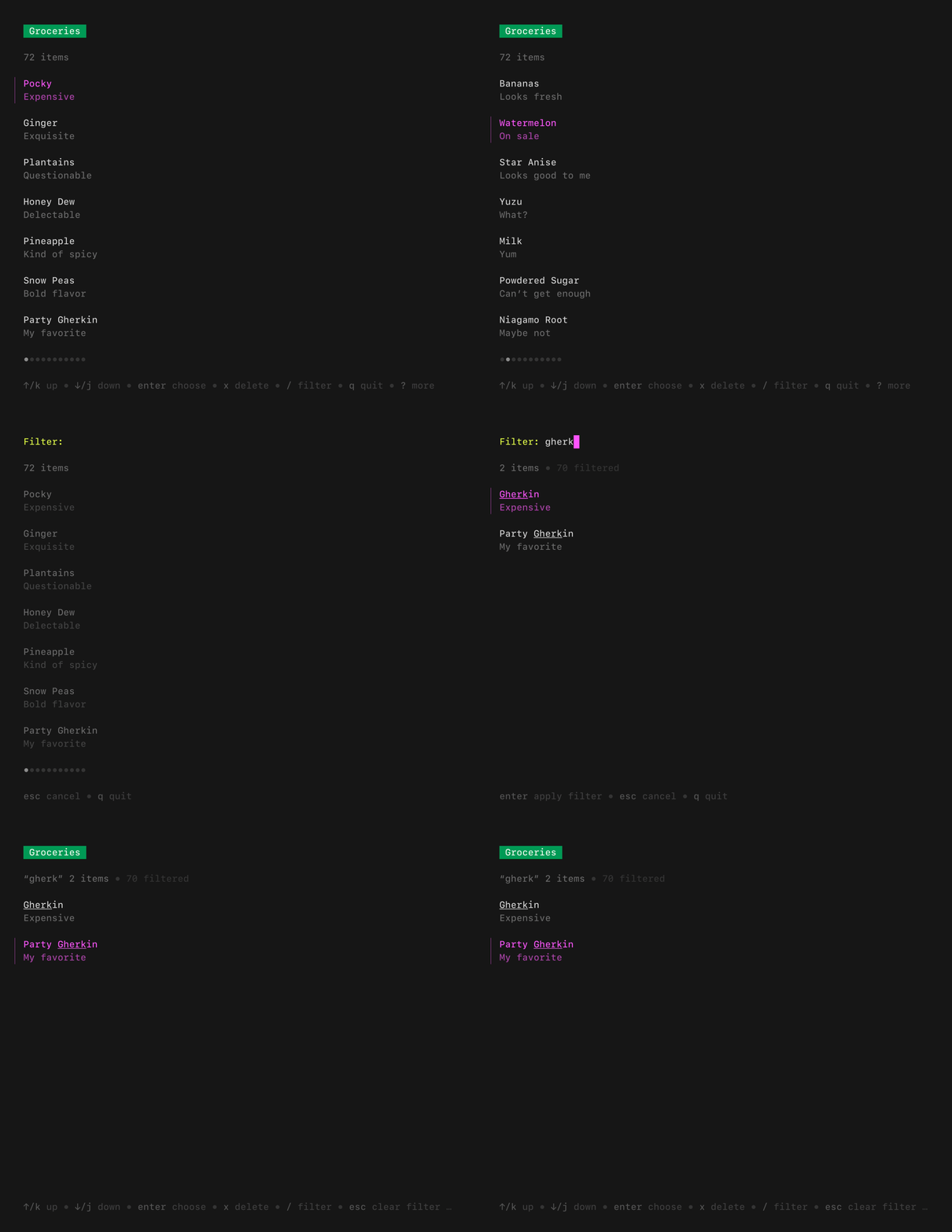
A batteries-included component for browsing a set of items. Features pagination, fuzzy filtering, auto-generated help, an activity spinner, and status messages. Extrapolated from Glow.
items = [TestListItem.new("foo"), TestListItem.new("bar")] of Bubbles::List::Item
delegate = TestListDelegate.new
l = Bubbles::List.new(items, delegate, 40, 20)
File Picker
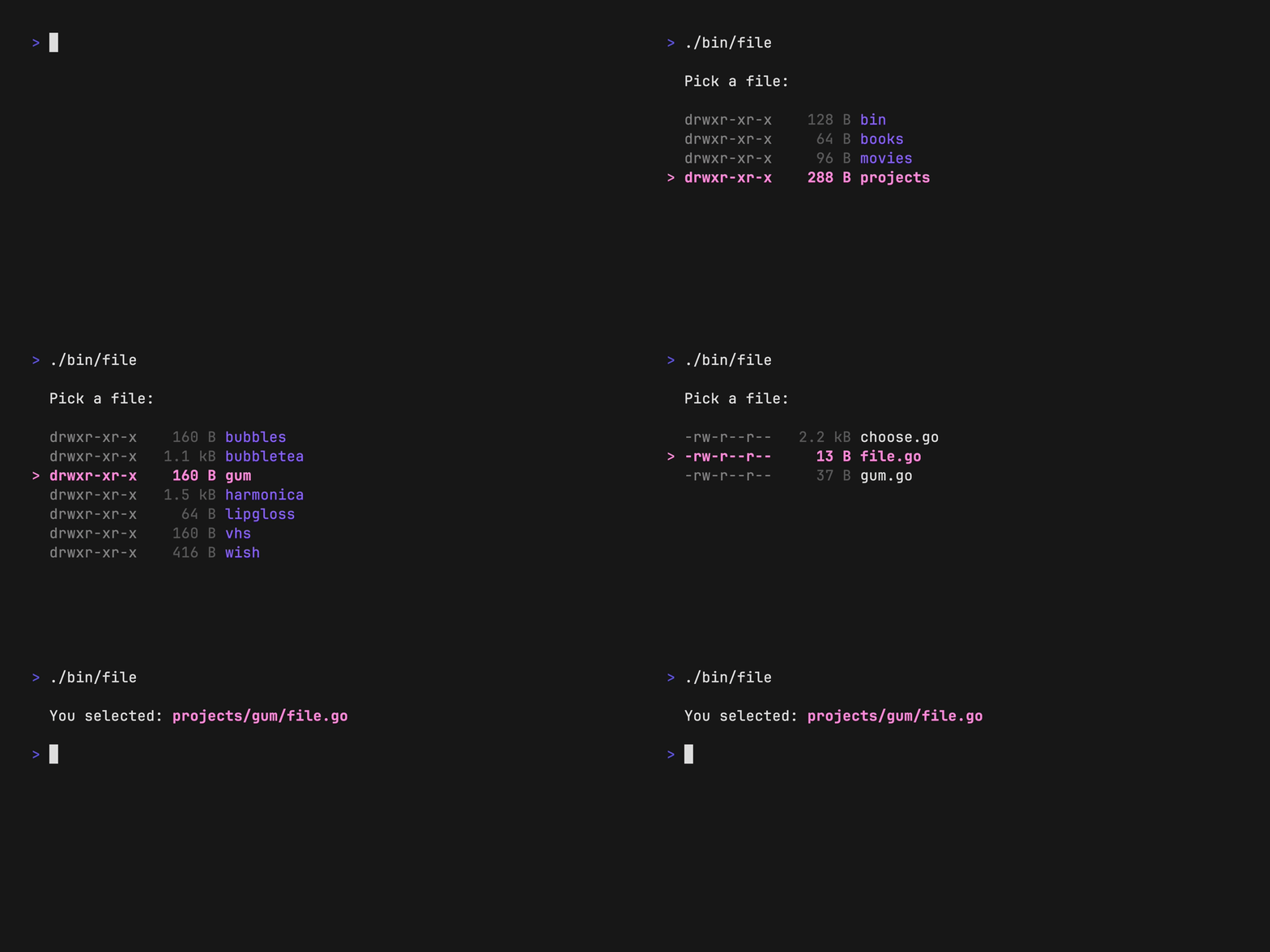
Navigate the file system to pick files or directories. Supports filtering by file extension, showing hidden files, and displaying permissions.
fp = Bubbles::FilePicker.new
fp.set_height(20)
fp.show_hidden = true
fp.allowed_types = [".cr", ".md"]
Help
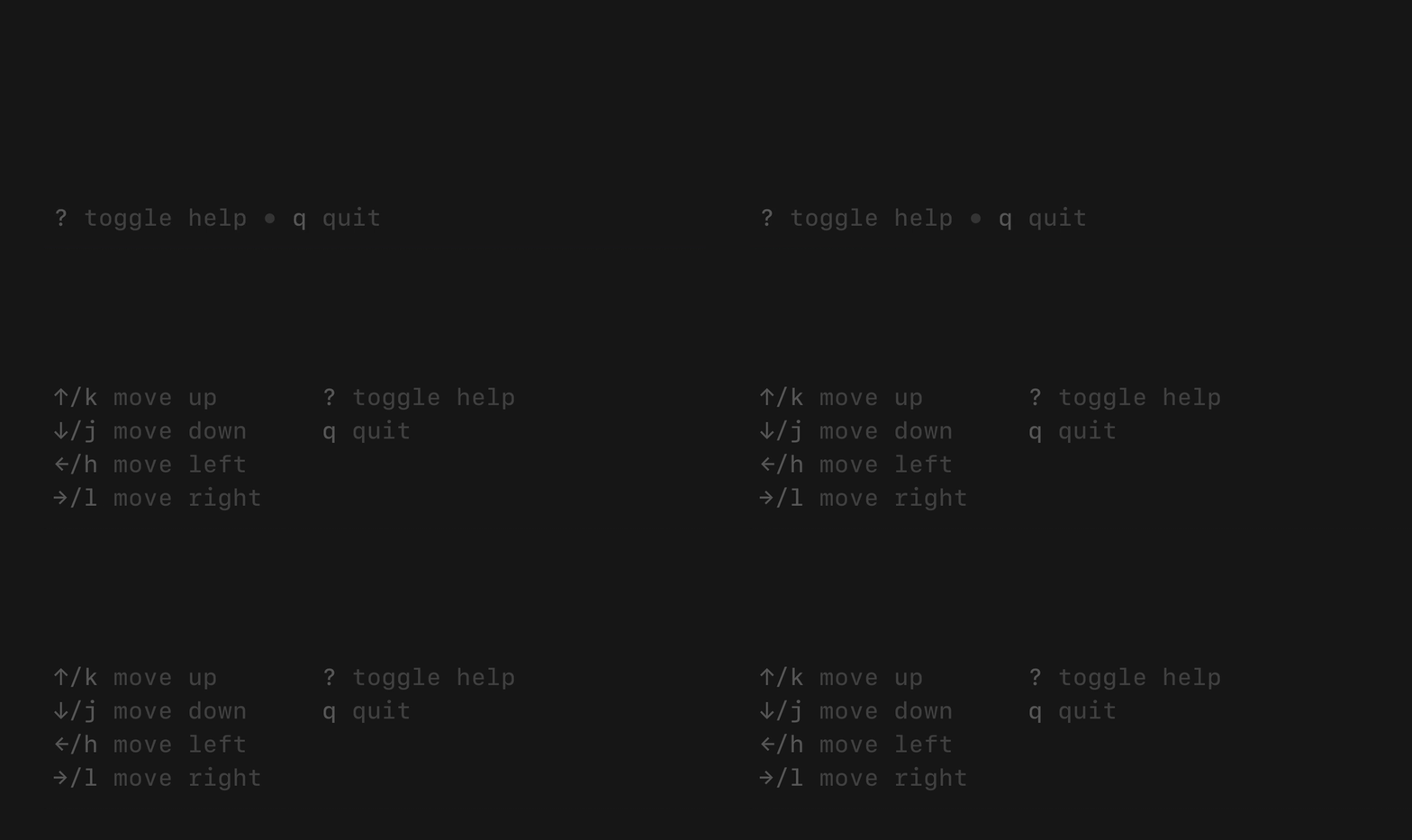
Auto-generated help view from your keybindings. Supports single-line and multi-line modes, with graceful truncation when the terminal is too narrow.
h = Bubbles::Help.new
h.styles = Bubbles::Help.default_dark_styles
h.view(key_map)
Paginator
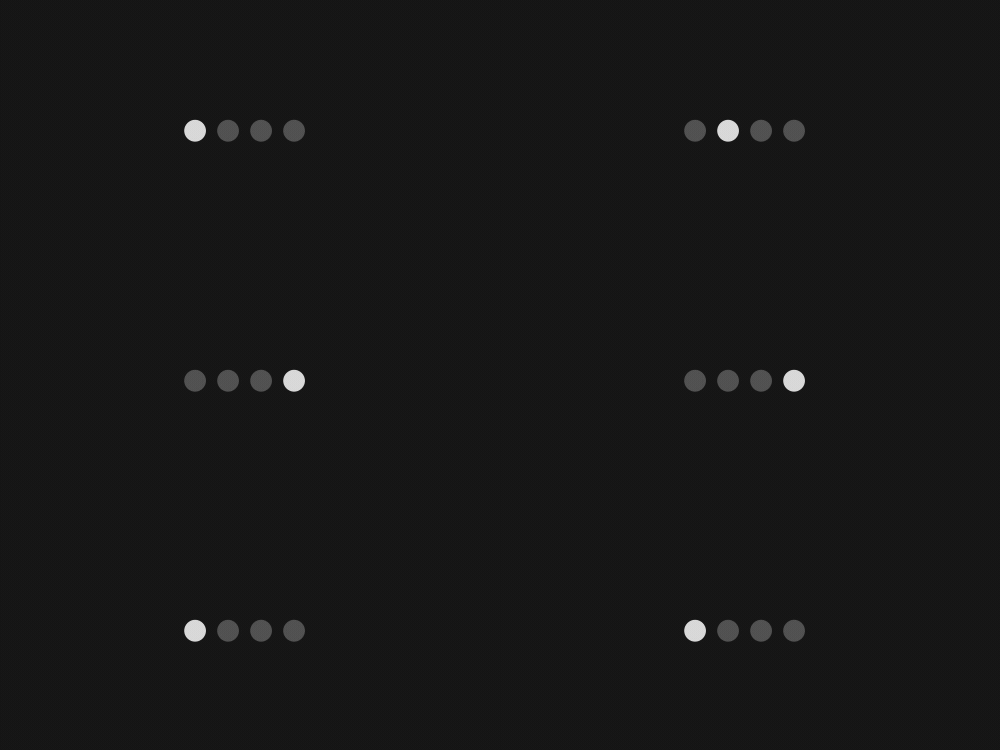
Handles pagination logic and optionally draws a pagination UI. Supports "dot-style" (like iOS) and numeric page indicators.
p = Bubbles::Paginator.new
p.set_total_pages(5)
p.page = 2
p.type = Bubbles::Paginator::Type::Dots
p.view  # Renders "● ○ ○ ○ ○"
Timer
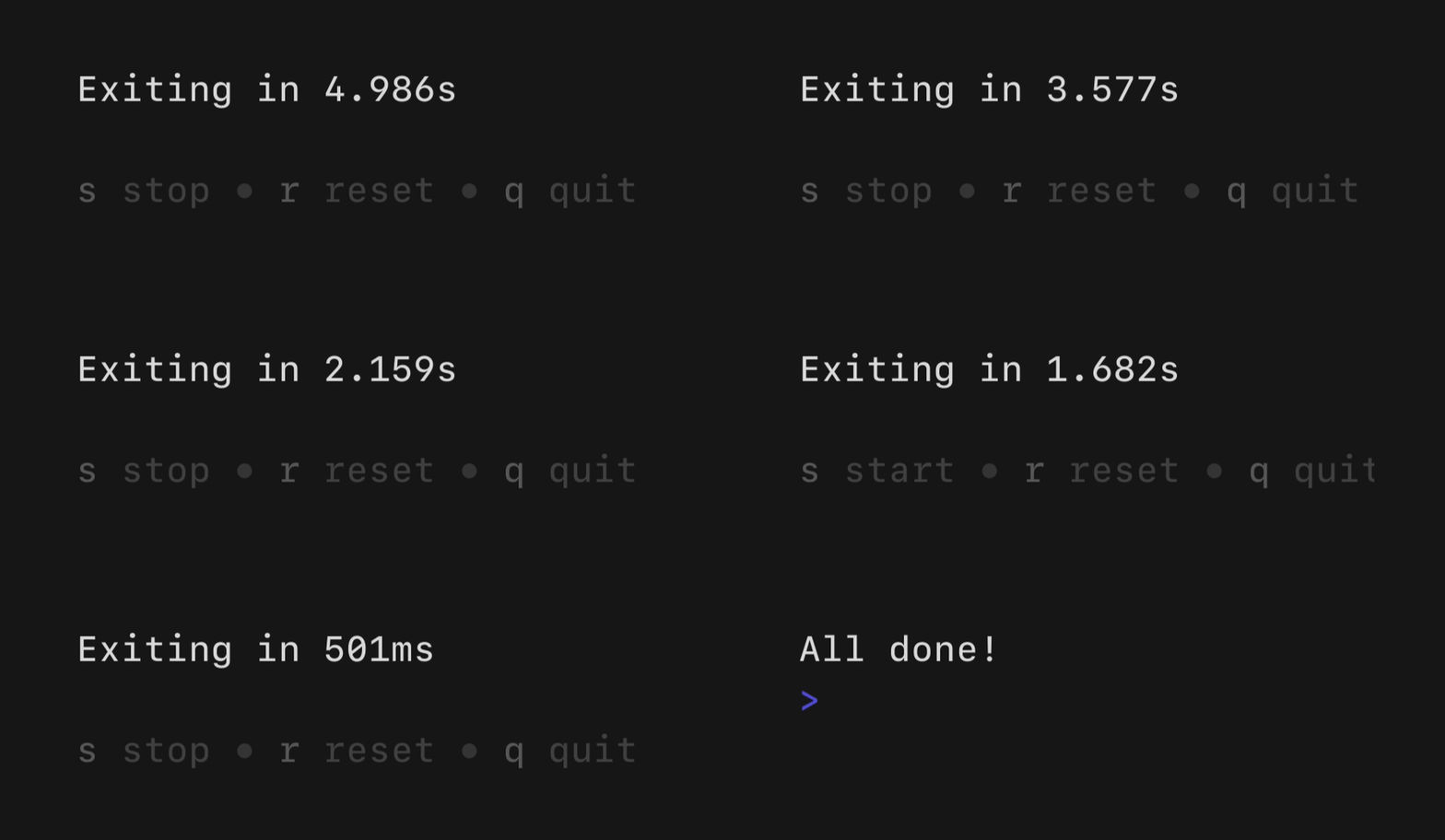
A simple, flexible component for counting down. The update frequency and output can be customized as you like.
t = Bubbles::Timer.new(30.seconds, interval: 100.milliseconds)
Stopwatch
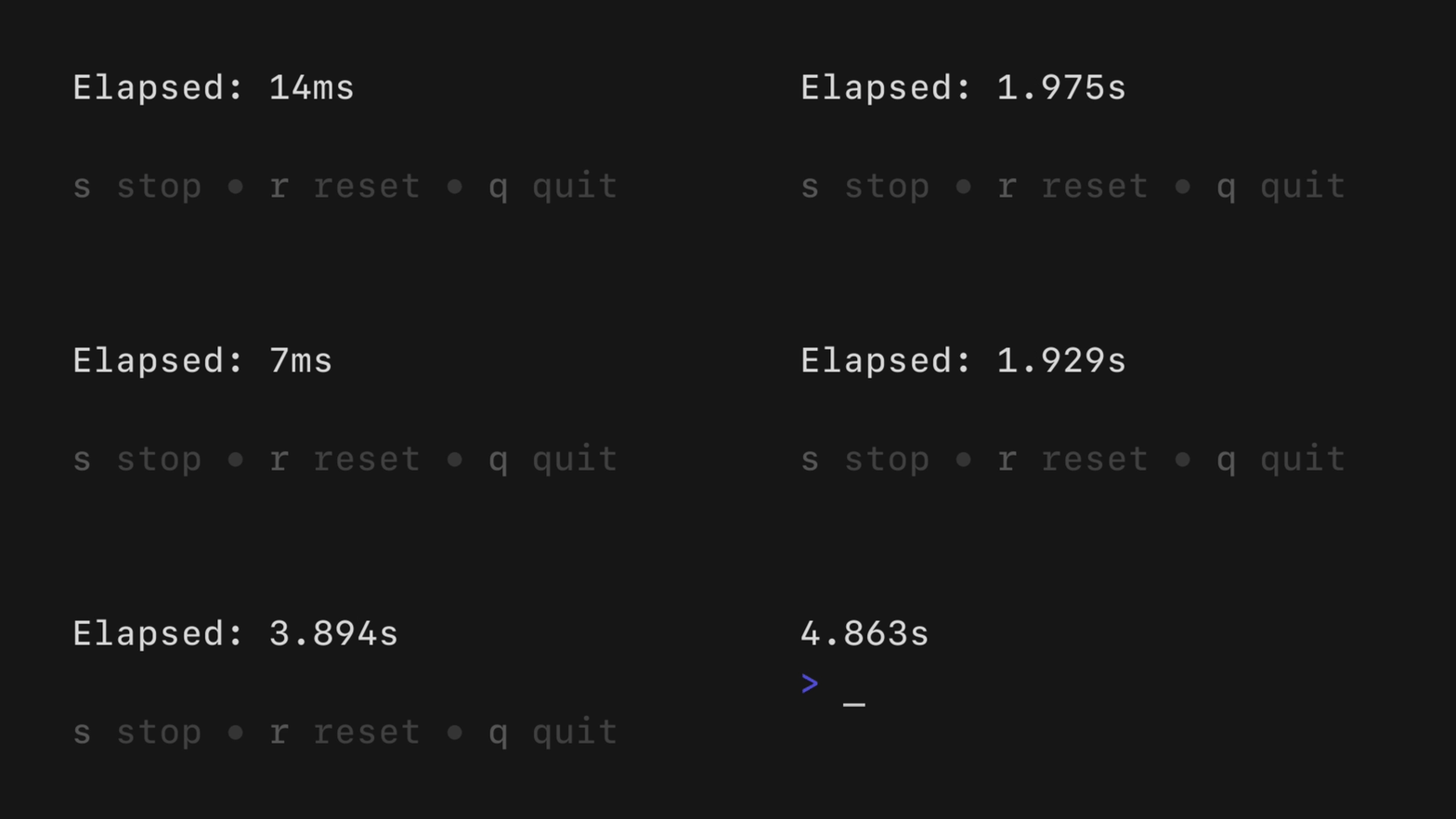
A simple, flexible component for counting up. The update frequency and output can be customized as you like.
sw = Bubbles::Stopwatch.new(interval: 100.milliseconds)
Cursor
Terminal cursor manipulation. Controls cursor style, blink behavior, and position.
c = Bubbles::Cursor.new
c.set_mode(Bubbles::Cursor::Mode::Blink)
Key
Non-visual component for managing keybindings. Useful for custom key remapping and generating help views.
Bubbles::Key.new_binding(
  Bubbles::Key.with_keys("k", "up"),
  Bubbles::Key.with_help("↑/k", "move up"),
)
Documentation
| Document | Purpose |
|---|---|
| Architecture | System design, data flow, package responsibilities |
| Development | Prerequisites, setup, daily workflow |
| Coding Guidelines | Code style, error handling, naming conventions |
| Testing | Test commands, conventions, patterns |
| PR Workflow | Commits, PRs, branch naming, review process |
| Porting Parity | Upstream source tracking and parity verification |
| Upgrade Guide v2 | Migration from Go Bubbles v1 to Crystal v2 |
Contributing
See Development Guide for setup and porting workflow.
License
MIT (same as the original Go library)
Acknowledgments
- Charmbracelet for the original Go implementation
- The Bubble Tea ecosystem for inspiring terminal UI development
bubbles

- 1
- 0
- 0
- 6
- 5
- 3 months ago
- February 23, 2026
MIT License
Tue, 28 Jul 2026 00:00:15 GMT